Hi. I have 347 tabs open.
Tab Rehab is a free Chrome extension for chronic tab hoarders. Close tabs without losing a thing: one tab at a time, with an undo for everything.
Clutter isn't the problem. Fear is.
Researchers at Carnegie Mellon found people keep tabs open as reminders, and because closing one feels like losing it (CHI 2021, "When the Tab Comes Due"). Tab Rehab answers the fear.
If I close it, I'll never find it again.
Undo, Recently closed and backups. Park tabs and restore them to the same window, any time.
I left it open so I wouldn't forget.
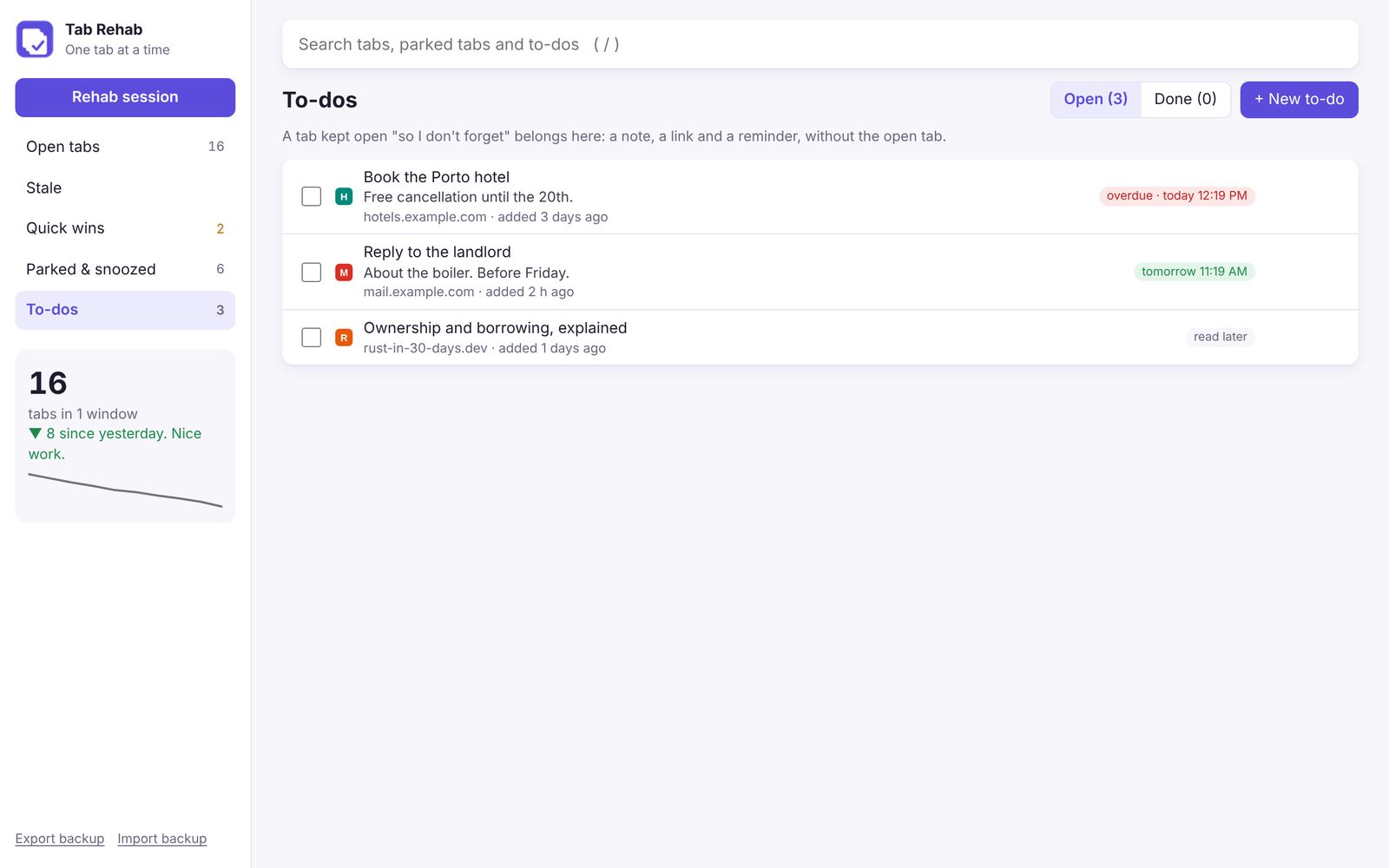
Make it a to-do. A note, a link and a reminder. The tab closes; the promise stays.
I might need it someday.
Snooze or bookmark it. It reopens by itself, or waits in a folder that syncs everywhere.
A Rehab session, minus your real tabs.
Ten tabs, oldest first. Decide what each one is for with a key: K keep, T to-do, S snooze, B bookmark, P park, C close, Z undo. Or just click.
The outlined button is Tab Rehab's suggestion. You always decide.
Six ways to let go. None of them final.
Click the icon or press Alt+Shift+T. Search everything with /, group by site or window, and right-click any page to park it or make it a to-do.
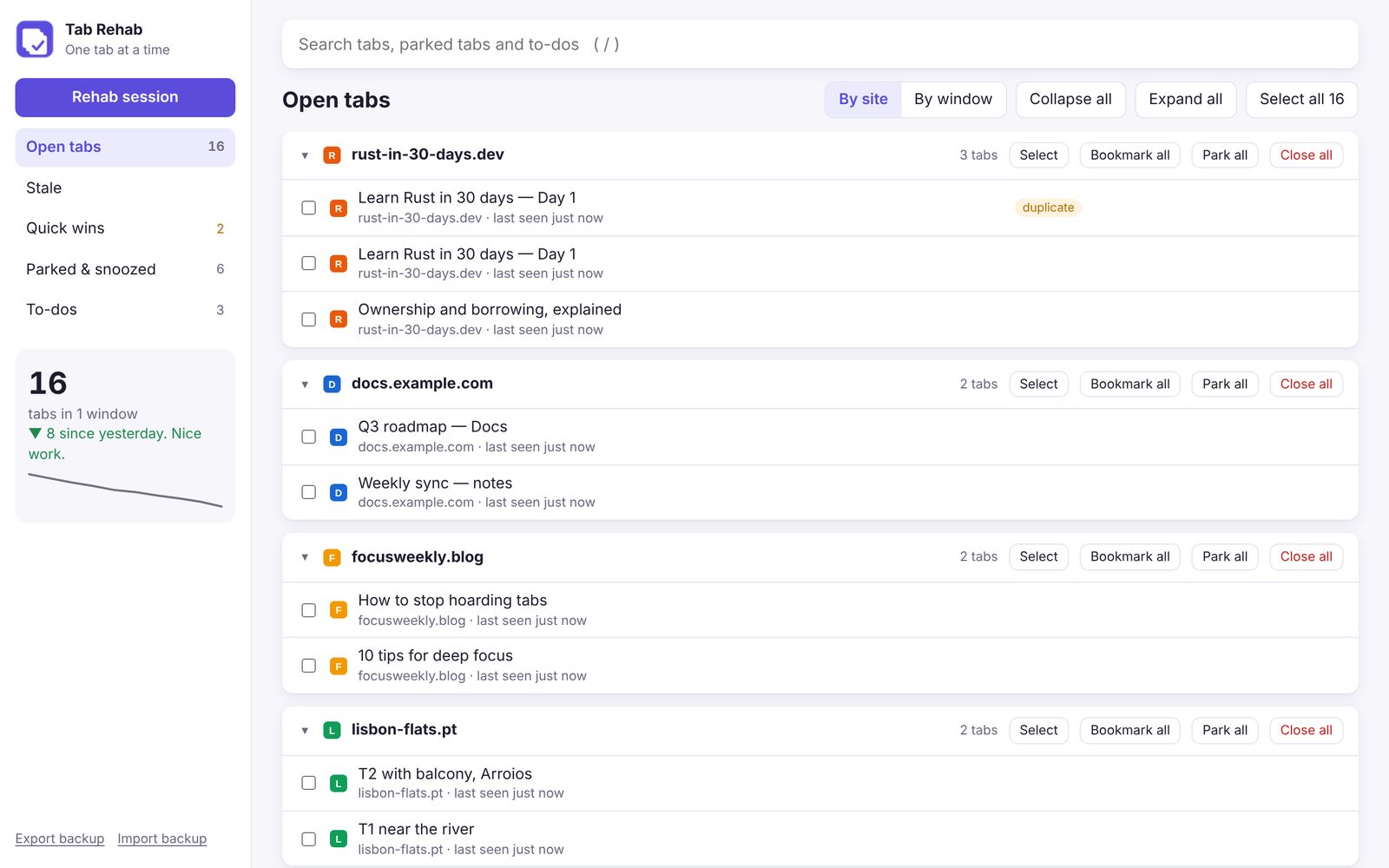
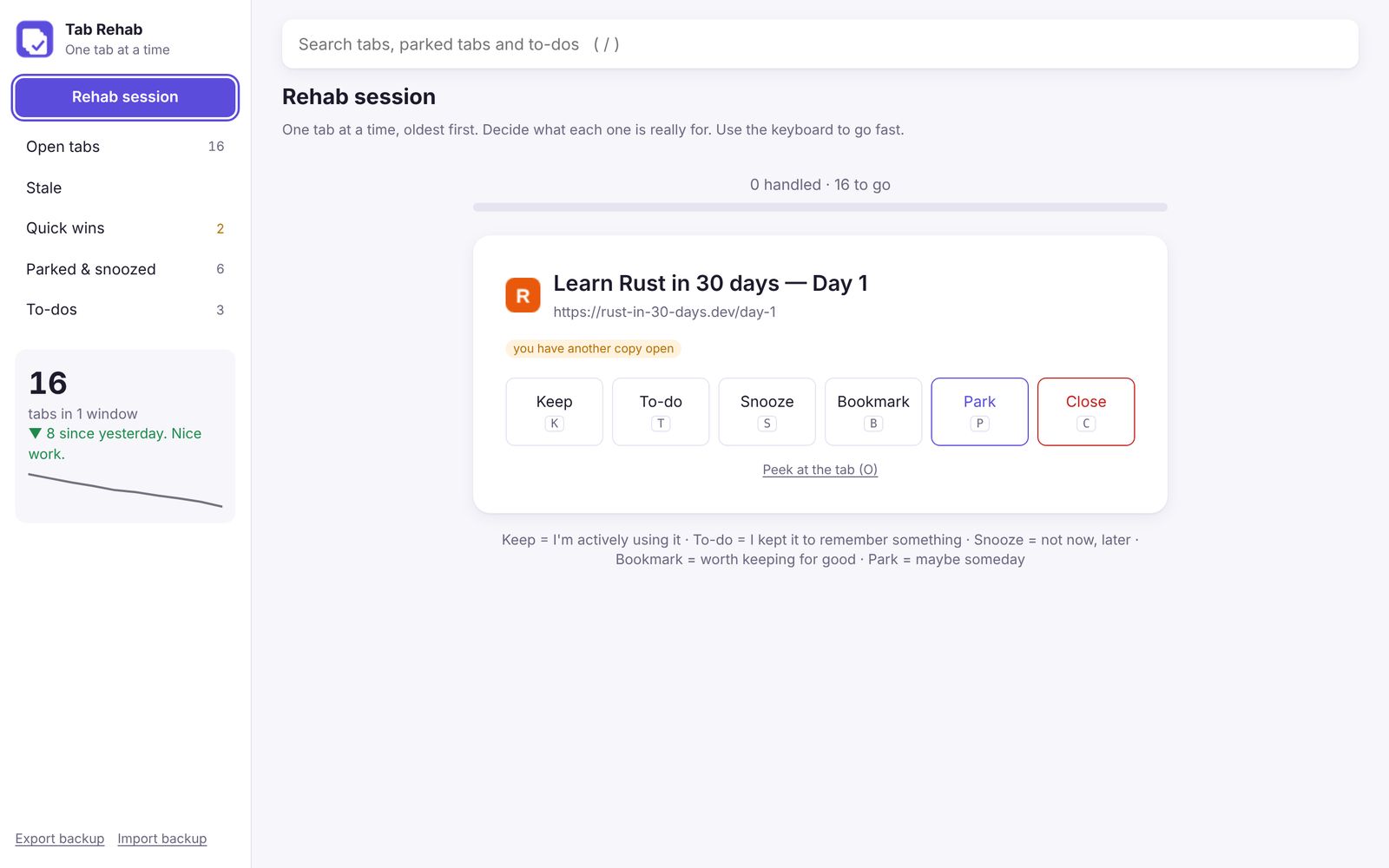
Rehab session
Your tabs one at a time, oldest first, with six one-key decisions and a progress bar.
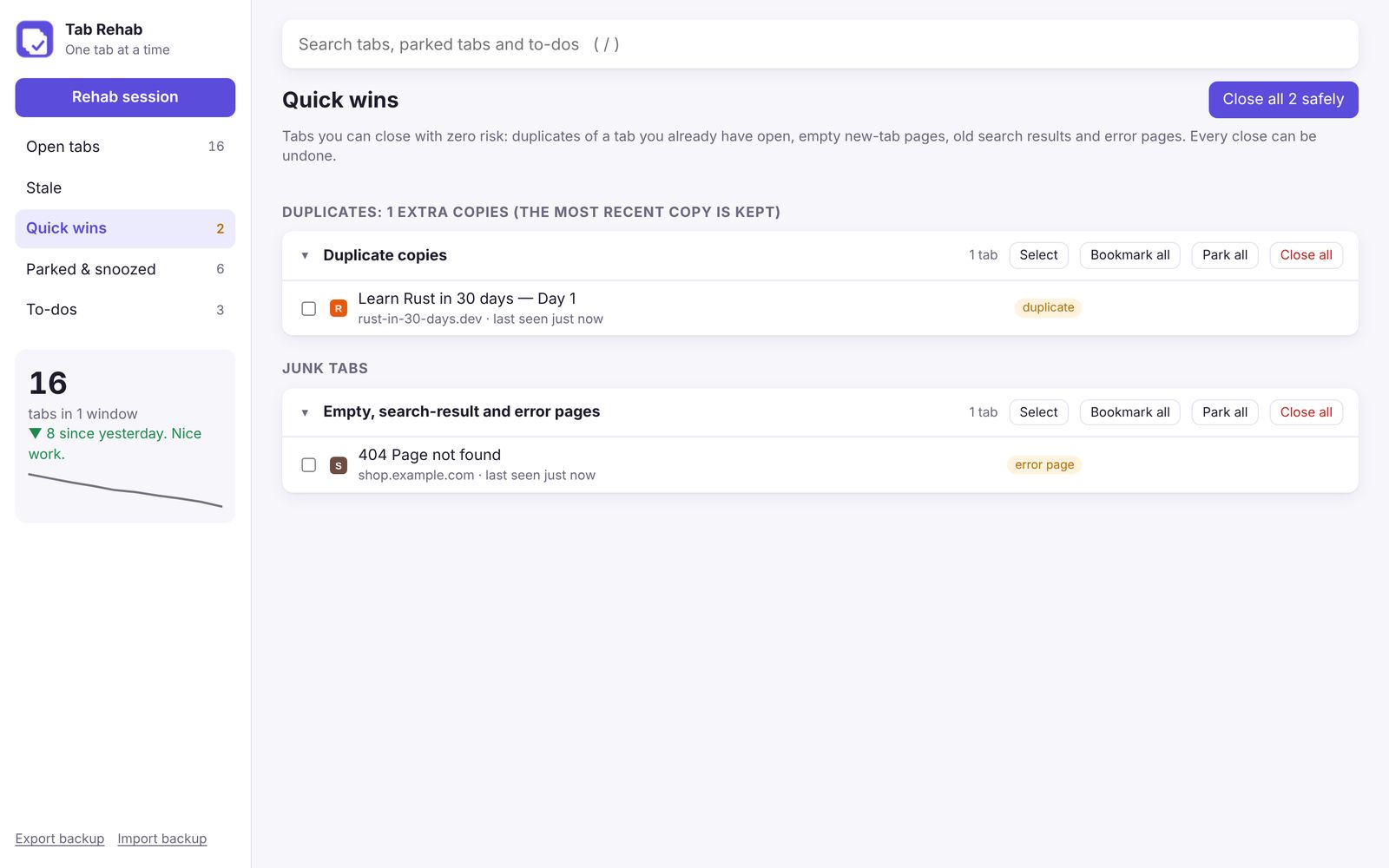
Quick wins
Duplicates, empty tabs, old searches and error pages, closed in one click with zero risk.
Stale tabs
Tabs you haven't opened in 1 to 30 days. Park them all at once; pinned and playing tabs are never touched.
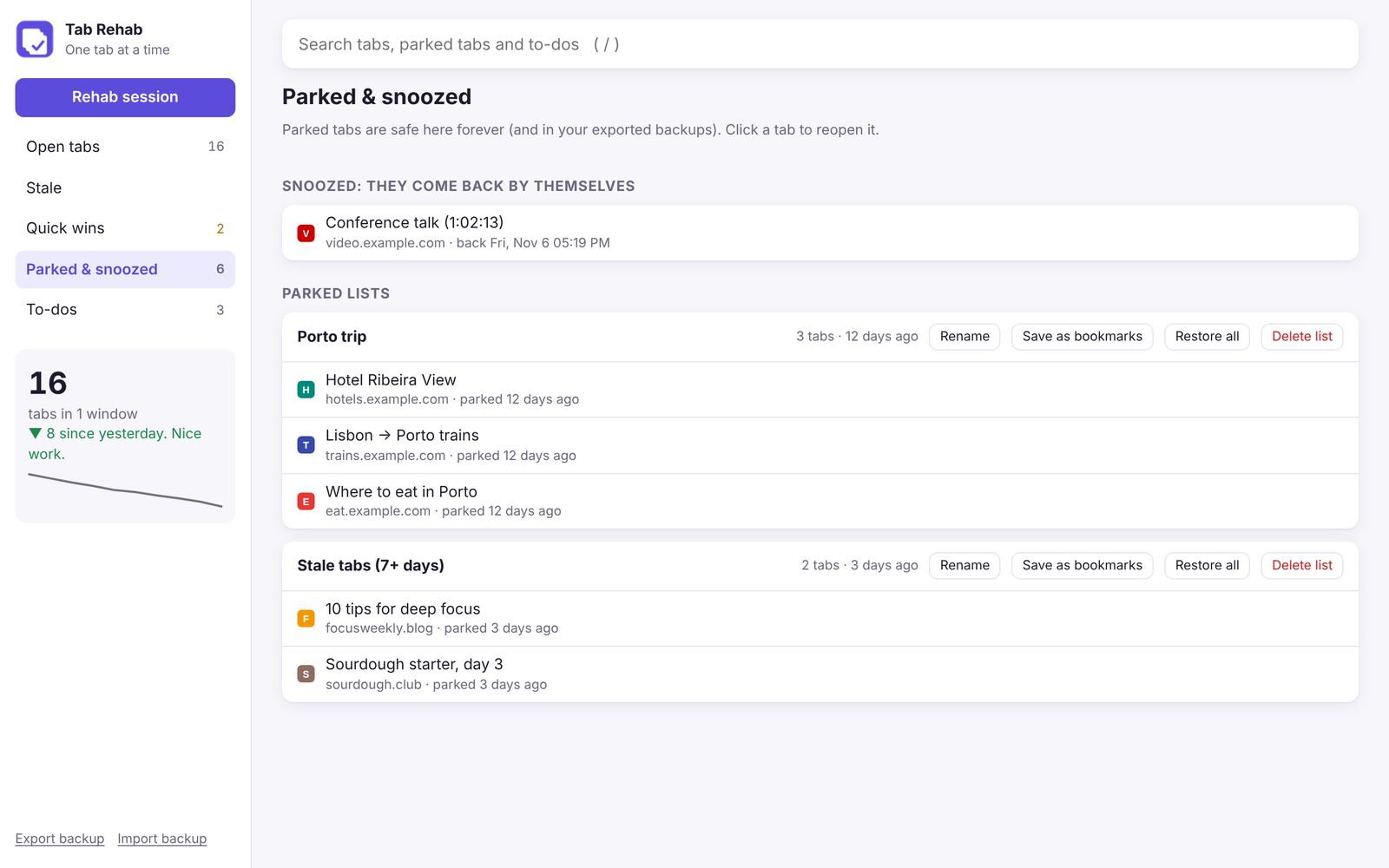
Park & restore
Save tabs to a named list and close them. Restore later, back in the window they came from.
Snooze & bookmarks
Close a tab and have it reopen tomorrow, or save it into a bookmarks folder of your choice.
To-dos with reminders
A "don't forget" tab becomes a note, a link and a Chrome notification at the time you pick.
What happens in rehab stays in rehab.
Nothing leaves your laptop. Your tabs, parked lists and to-dos live in Chrome's local storage. Export a backup any time from the sidebar.
| PERMISSION | WHY IT'S NEEDED |
|---|---|
| tabs | See, group, close and reopen your tabs. |
| storage | Keep parked lists, to-dos and settings on this laptop. |
| alarms | Wake snoozed tabs and send reminders on time. |
| notifications | Show to-do reminders and the stale-tab nudge. |
| contextMenus | The right-click "Park this tab" and "Save as a to-do". |
| bookmarks | Save tabs into the bookmarks folder you pick. |
| favicon | Show site icons in your lists. |
One click. The hardest part is admitting it.
Tab Rehab is on the Chrome Web Store. Free, no account, nothing leaves your laptop. Works in Chrome, Edge, Brave and Arc.
- Open Tab Rehab on the Chrome Web StoreIn Edge, allow extensions from other stores when it asks. Brave and Arc just work.
- Click "Add to Chrome"It asks for the permissions listed in the privacy section above. That's all of them.
- Pin it and startClick the puzzle icon, pin Tab Rehab, then click it or press Alt+Shift+T.
chrome://extensions. Nothing lost. Obviously.Coming next: relapse prevention.
What we're building next, shaped by people who actually hoard tabs.
Relapse alerts
One gentle nudge when you start climbing back above your best. Never in quiet hours.
Hall of Shame
Your longest-ignored tabs, ranked. And roasted.
Page previews
See how a page looked before you decide its fate.
Every profile
Work and personal tabs in one view.
Auto-backup
Weekly, and before every big change.
Day 1 of recovery starts here.
Add it, pin it, run your first Rehab session. Your tabs will still be there. Just fewer of them.